The creator economy started as a solo pursuit. One person, one camera, one editor - usually the same person. The tools were built accordingly: personal workspaces, single-user exports, no concept of shared projects or role-based permissions.
That model doesn't describe most growing creator operations anymore. The creator with 500K subscribers often has a video editor, a social media manager, maybe a part-time producer. The creator with a million subscribers might have a team of five to eight people touching different parts of the production pipeline. None of the tools they're using were designed for this.
Here's why we built collaboration features into CreatFlow from the ground up, and the problems we were trying to solve.
The "send the file" problem
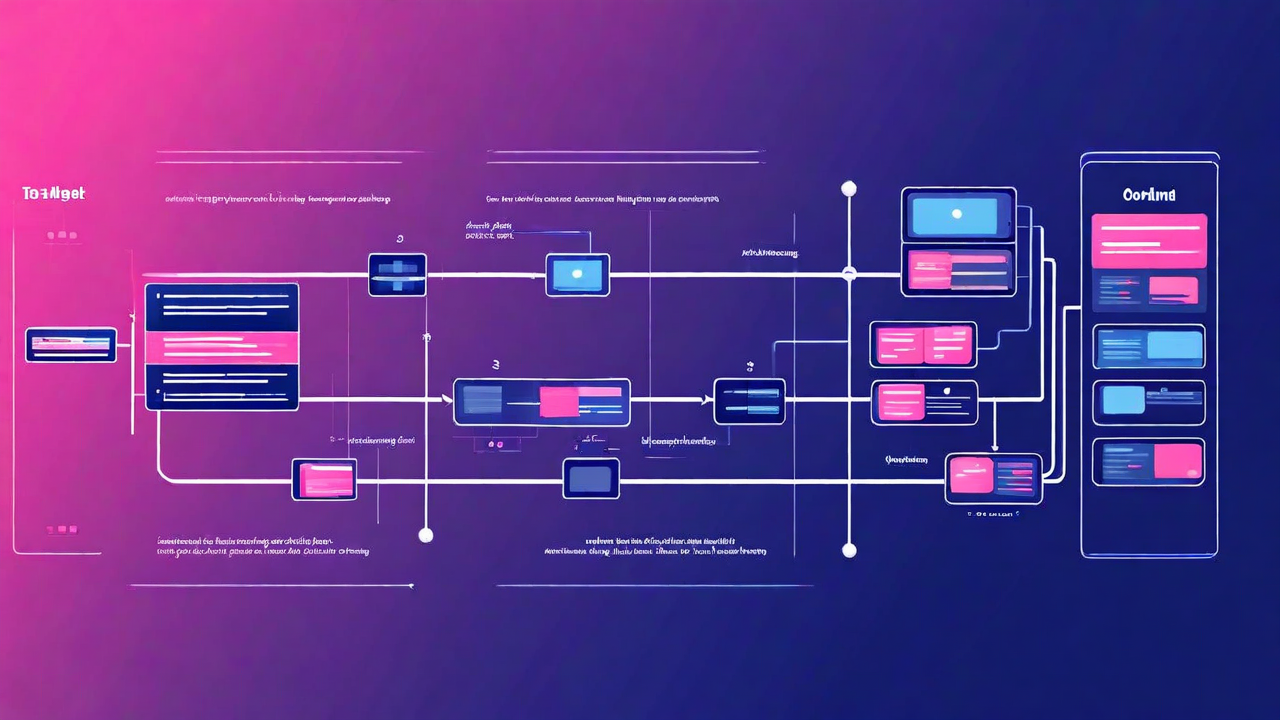
Before shared workspaces, the video production handoff workflow for creator teams looked like this: creator records footage, exports raw files or a rough cut, sends it to the editor via a transfer service, editor works on it, sends back a draft, creator reviews and sends notes, editor applies notes, sends back a revision, repeat.
Every round of that loop involves transfer time, file management overhead, and version confusion. Which cut is the current one? Did the editor get the new b-roll? Which version of the caption file has the corrections? How many rounds of notes have been applied?
Teams were maintaining spreadsheets to track versions. Or naming files with "_v3_FINAL_revised_ACTUAL_FINAL" in the filename. The tools weren't solving the coordination problem, so people were solving it manually with duct tape and anxiety.
The permissions problem
Creator teams have a specific permissions dynamic that's different from corporate software teams. The creator - usually the person whose name and face is the brand - needs to be able to see and approve everything, but doesn't want to be involved in every granular edit. The editor needs write access to the full project. The social media manager needs to pull export files but shouldn't be able to modify the source project. The client or brand partner reviewing a sponsored video needs to see a preview but nothing else.
Generic collaboration tools either give everyone full access (creates risk and confusion) or require complex permission configuration that wasn't designed for this use case. We built four roles specifically for creator team structures: Owner, Editor, Reviewer, and Viewer. Each has exactly the access it needs and nothing more.
Owner and Editor can modify projects. Reviewer can leave timestamped comments and approve or request changes, but can't edit files. Viewer can watch the current cut and nothing else - useful for brand partners reviewing sponsored content before it goes live.
Why review and approval matters more than it seems
One underappreciated feature in collaborative video work: the ability to leave timestamped comments directly on the timeline. "The audio drops at 4:32." "Cut this section, it's covered in the next segment." "The caption is wrong here." These notes attached to specific moments in the video are far more useful than notes in a separate document that reference timestamps.
When we did user research on team editing workflows, one pattern appeared consistently: the biggest source of revision cycles wasn't disagreement about creative direction - it was miscommunication about exactly which frame or section the note referred to. Timestamped comments on the timeline eliminate most of that.
Teams using the collaborative review feature reported an average of 1.8 revision cycles per video, down from 2.9 revision cycles with email-based notes. Less back-and-forth, faster to final, less frustration on both sides.
The brand kit problem
Creator teams often spend significant time on consistency work that shouldn't take any time at all. What font do we use for titles? What color is the lower-third background? What's the exact green we use on this channel?
When this information isn't centralized, it gets recreated from memory every time. The editor picks a color close to the right green. The social media manager uses a slightly different font weight. Over time, the visual identity drifts because the source of truth is distributed across individual people's memories and local files.
The brand kit in CreatFlow's Studio plan stores all of this: color codes, fonts, logo files, caption styles, intro and outro templates. Every team member with edit access is working from the same assets. The channel's visual consistency is automatic rather than dependent on everyone remembering the right values.
What we got wrong the first time
Our first version of collaborative features was built around the assumption that most creator teams communicate asynchronously - someone works on the video, leaves notes, another person picks it up later. This is often true but not always. Some small teams genuinely co-edit in real time: creator and editor working simultaneously on different sections, talking on a call.
We didn't support real-time co-editing in the first release. The conflict resolution model wasn't designed for it, and the rendering logic created problems when two people made simultaneous changes. We launched what we had and watched how people used it. The feedback was consistent: async collaboration was better than what they had before, but teams that wanted to work together in real time were still using workarounds.
Real-time co-editing with conflict resolution is in development. The architecture for it required more work than adding it to the existing model - we're building it properly rather than shipping something that half-works.
The bigger point
Creator tools were designed for the individual creator because that's who the market was when they were built. The market has changed. There are more professional creator teams now than there were three years ago, and the gap between what they need and what the tools offer has widened as teams have grown.
Building for teams doesn't mean abandoning solo creators - everything in CreatFlow works for a single user. It means extending the tool to cover the workflows that teams actually have, rather than requiring them to bolt external coordination tools onto software that doesn't know they exist.
Built for the creator and everyone who helps them.
Shared projects, brand kits, and role-based access - all in the Studio plan.
Try CreatFlow Free