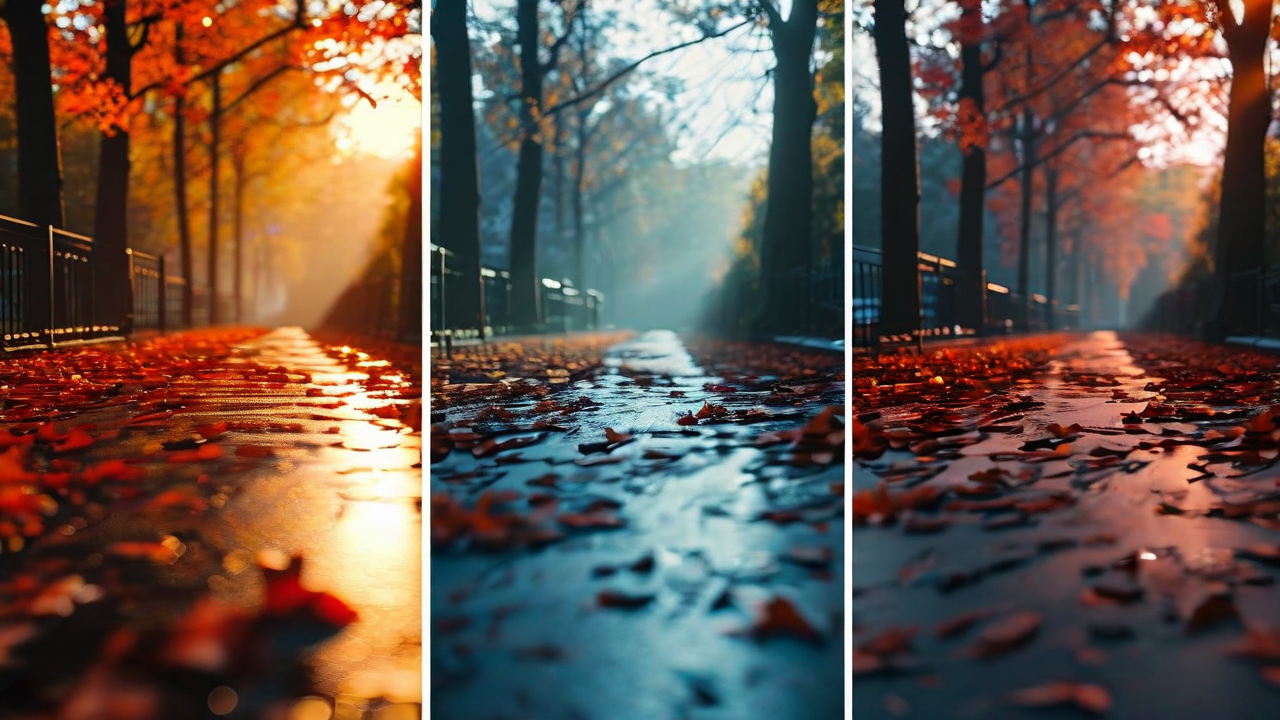
Color grading is the step where most creators either blow their budget or skip it entirely. Hire a colorist and you're looking at $150 to $400 per video. Do it yourself in a traditional NLE and you're looking at a learning curve that takes months to feel competent on. Most creators default to applying a LUT, calling it good, and moving on.
The result is a lot of flat-looking videos. Or weirdly orange ones.
We've been tracking how creators use our color grading tools since launch, and we found something interesting: the creators who save the most time aren't using the AI suggestions in isolation. They're using a specific sequence that combines AI analysis with intentional manual adjustments. Here's what that looks like.
Step 1: Let the AI do a scene analysis first (don't skip this)
Before you touch a single slider, run the scene analysis. This takes about 12 seconds on a 10-minute video. What it's doing: scanning every shot for white balance consistency, exposure variance, and color temperature drift across the timeline.
Most creators are shocked by what comes back. Indoor shots where the white balance shifts 300K between takes. Outdoor footage where clouds moved and the entire frame shifted cooler for 90 seconds. Skin tones that look subtly different between a wide shot and a close-up of the same person.
These inconsistencies are invisible when you're reviewing clips individually. They jump out once you see them flagged in sequence. Fixing them before you grade means you're grading one coherent look - not trying to make mismatched clips look cohesive through brute-force color work.
Step 2: Pick a direction, not a preset
This is where a lot of creators go wrong with AI color tools. They click a preset, it looks okay-ish, they move on. The video ends up looking like every other video using that preset.
Instead: use the AI suggestions as a direction finder. The tool will show you four or five options - something warmer, something desaturated and filmic, something with boosted contrast, something cooler and clean. These aren't finished grades. They're starting points that match your footage's characteristics.
Pick the one that aligns with the mood you want. Then adjust from there. You're not accepting a preset - you're using the AI to eliminate the 40 minutes you'd otherwise spend deciding which direction to go.
Step 3: Fix skin tones, then nothing else
After you've picked a direction and applied it, do one thing: check your skin tones. Every other adjustment is subjective. Skin tones have a right answer - they should look like the person's actual skin. If the grade is pushing them orange or sickly green, fix it.
Our users who spend less than 10 minutes total on color grading follow this rule almost universally. They fix the skin tones, and then they stop. They don't keep nudging sliders hoping to find a better look. They accept that "professional and consistent" is the right goal, not "artistically surprising."
The ones who spend the most time are usually trying to develop a unique look through manual color work. That's a valid goal - but it's a skill that takes years to build. For most creators, consistent and clean is far more valuable than experimental.
Step 4: Save it as a base template for the series
If you shoot in consistent conditions - same room, same lighting setup, same camera settings - your color grading work for episode one applies directly to episodes two through fifty. Save the grade as a template with your specific camera profile and lighting conditions noted.
We've had users who built a template in their first month and have applied it with minimal tweaks for 80+ videos since. The time savings compound. What took 3 hours on video one takes 8 minutes on video forty.
The actual time breakdown
Here's what this workflow looks like in practice, based on our usage data from 4,200 sessions on videos between 8 and 15 minutes long:
Scene analysis and consistency fixes: 8 to 14 minutes. Direction selection and initial grade application: 4 to 7 minutes. Skin tone review and adjustment: 6 to 12 minutes. Template save and documentation: 3 minutes. Total: 21 to 36 minutes, against a reported baseline of 3.2 hours for manual color work without AI assistance.
That's not a marginal improvement. It's a different relationship with the part of editing that most creators dread.
One thing that still takes time
Mixed lighting. If you shot half your video by a window and half under fluorescent lights, no amount of AI analysis shortens the work of making those look cohesive. The AI will flag the inconsistency - it won't magically solve it. That still requires manual work, shot by shot.
The fix is upstream: shoot in consistent light. But if you're dealing with mixed lighting in footage that already exists, budget an extra 45 minutes and accept that some shots will need individual treatment.
For everything else, the workflow above is as close to a repeatable system as we've found for creators who want professional-looking color without spending professional colorist hours on it.
Color grade your next video in under 30 minutes.
CreatFlow's AI color tools handle the analysis. You make the creative calls.
Try CreatFlow Free