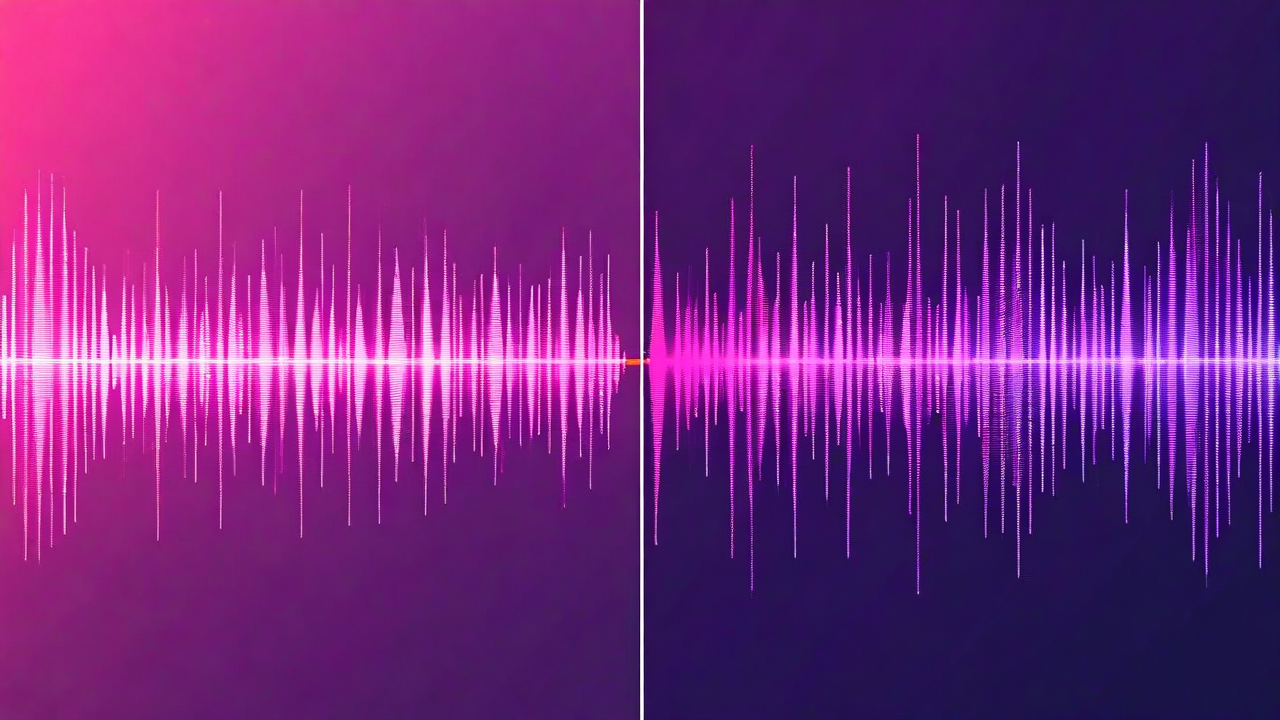
Bad audio is the fastest way to lose a viewer. Studies on viewer retention consistently show that people tolerate imperfect video quality longer than they tolerate imperfect audio. A slightly soft image is fine. Audio that has a persistent hum, background noise, or room reverb gets the skip within 15 seconds.
When you have a bad audio track, you have two options: clean it up, or replace it. Neither is always right. Here's how to think through which one to use.
Audio cleanup: what it actually does
Audio cleanup tools - noise reduction, de-reverb, voice isolation - work by analyzing the audio signal and separating the speech component from the noise component. The results have gotten dramatically better over the past two years. Modern noise reduction can remove consistent background hum, AC noise, traffic rumble, and low-level room noise without significantly affecting the voice quality.
What it can't do well: remove noise that's similar in frequency to speech, clean up audio with massive dynamic range problems, or fix distortion caused by clipping (recording too loud). These problems are baked into the signal at the source. No amount of cleanup recovers audio that was clipped - the waveform data is genuinely gone.
When cleanup works best: consistent background noise (fans, hum, road noise), mild room reverb, wind noise on outdoor shoots, and gentle crowd noise in the background of an otherwise clear recording. These are additive problems. The voice is clean underneath; you just need to reveal it.
The cleanup artifact problem
Aggressive noise reduction introduces its own artifacts. The most common one is called "musical noise" - a watery, warbling quality that appears when the algorithm overcorrects. You've heard it on bad video call recordings and political ads with archive audio. It's distinctive and unpleasant in its own way.
The practical rule: apply cleanup at about 60 to 70% of the maximum strength. Full strength almost always introduces artifacts. The goal is to reduce the noise to background rather than eliminate it entirely. A faint, consistent low-level noise is much less distracting than musical noise artifacts appearing and disappearing throughout the video.
If you find yourself pushing cleanup all the way to maximum and still not satisfied with the result, that's a signal to consider replacement instead.
Audio replacement: when the source is beyond saving
Audio replacement means recording new voice audio to sync with your existing footage. Technically it's ADR - automated dialogue replacement - and it's standard practice in film and TV. In creator contexts, it's less common, but it's the right call in specific situations.
Replace the audio when: the recording was significantly clipped (waveform distorting), the background noise was dynamic and varied (crowd noise that shifts in volume and character, intermittent loud interruptions), or the recording was done too far from the microphone and has severe room reverb that cleanup can't address.
The challenge with replacement: sync. Your new recording has to match your mouth movements well enough not to be distracting. It doesn't have to be perfect - TV and film ADR rarely is - but it needs to be close. Visible sync errors of more than 2 to 3 frames are noticeable to most viewers without them knowing why.
Replacement workflow in practice
If you're replacing audio, the workflow is: watch the clip once at normal speed to internalize the pacing, record the replacement audio while watching the clip on a second screen (or mirrored preview), then use the waveform matching tool to align the new audio to the original waveform peaks. The peak alignment does most of the sync work automatically - your recording doesn't have to be frame-perfect because the tool adjusts it.
In CreatFlow, this process takes about 4 minutes per clip for an experienced user. Expect 8 to 10 minutes for your first few attempts while you're developing the habit of matching your pacing to the original delivery.
One thing that helps: don't try to match your original performance exactly. Match the timing and the energy level, but deliver it naturally. Audiences pick up on forced sync-matching attempts where the speaker sounds slightly mechanical. A natural delivery that's close in sync is more watchable than a stiff delivery that's frame-perfect.
The mixed scenario: mostly clean with one problem section
Common situation: 90% of your audio is clean, but one section (a door slam, a phone notification, a passing truck) ruined 30 seconds. For this, neither full cleanup nor full replacement is ideal.
Best approach: apply light cleanup to the whole track for consistency, then do targeted replacement only on the problem section. You're replacing the bad 30 seconds and blending it with cleaned-up audio on either side. The blend points are the trickiest part - apply a short crossfade at the transition points and listen carefully for level matching. If your replacement audio is slightly louder or quieter than the original, the join will be audible.
Normalizing both the cleanup output and the replacement recording to the same average loudness level (around -16 LUFS for most online video) before blending solves most level-matching problems.
The simplest test for which approach to use
Listen to 30 seconds of your worst audio. If you can hear the words clearly but there's something in the background - cleanup. If you struggle to understand the words, or the voice sounds distorted, or there are loud interruptions throughout - replacement. The underlying question is whether there's good audio to reveal (cleanup) or whether you need to start over (replacement).
For most creators shooting in a controlled home environment with a decent microphone, cleanup is sufficient for 95% of situations. Replacement is for the situations where you just didn't have the setup you needed.
Clean audio. No studio required.
CreatFlow's audio tools handle cleanup and replacement in the same timeline.
Try CreatFlow Free